
Download PhotoScenery – Image Editor, Photo Collage, Wallpaper Maker, Photo Frame, Photo Blending, Creative Tool, Design App, Smartphone Utility
Overview
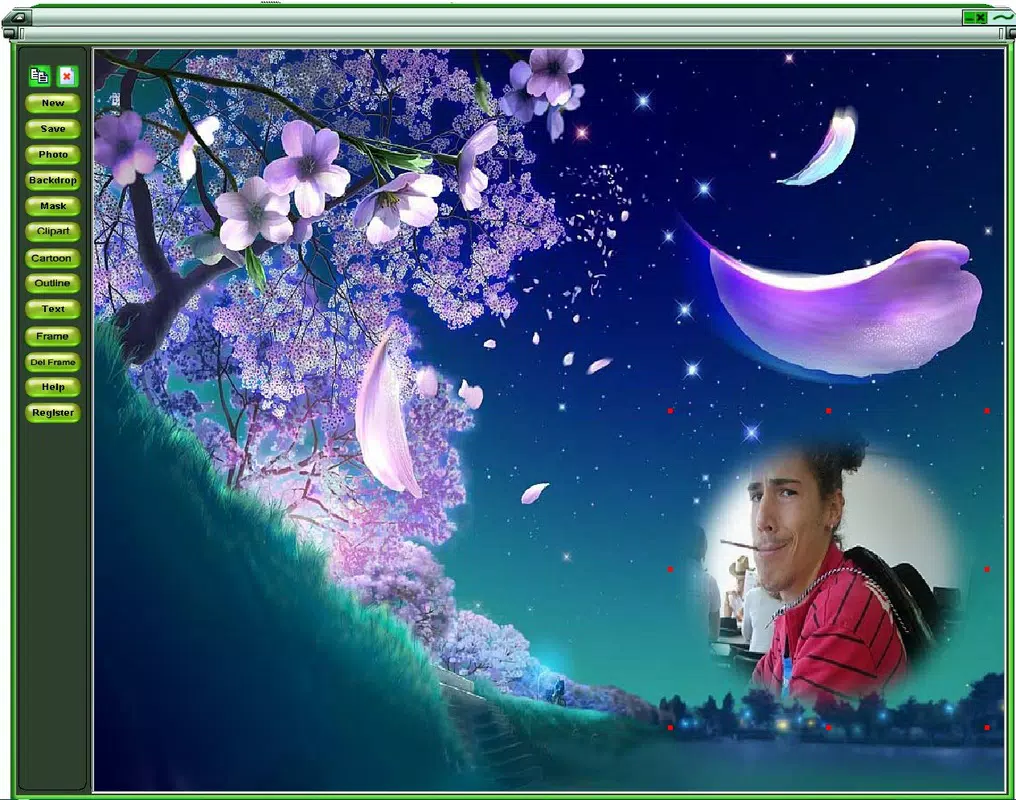
PhotoScenery is a lightweight, user-focused mobile application designed to help users create personalized wallpapers through photo blending, collage creation, and decorative enhancements. The app serves as a creative tool for individuals who enjoy customizing their smartphone screens with unique, visually engaging designs. It addresses the common desire for personal expression through digital imagery by enabling users to combine multiple photos, apply frames, and enrich their compositions with text and playful clipart elements.
Target users include casual photographers, digital artists, and anyone seeking a simple way to transform ordinary photos into vibrant, expressive wallpapers. The app’s straightforward design makes it accessible to users of all experience levels, from beginners to those with basic design interests. While the developer, Eddie C. Reardon, is credited with the creation of the app, no additional background or company information is available.
Real-world use cases include crafting birthday greetings, holiday-themed wallpapers, or personalized gifts for friends and family. PhotoScenery fits into the broader productivity and creative tool ecosystem by offering a compact, efficient solution for visual customization without the complexity of full-featured photo editing software. Its continued presence since 2010 highlights its enduring relevance in the mobile design space.
Key Features & Functionality
- Easy Photo Integration: Users can seamlessly import and layer multiple images within a single canvas. The app allows resizing and rotating each photo to achieve precise alignment, enabling the creation of polished, balanced collages.
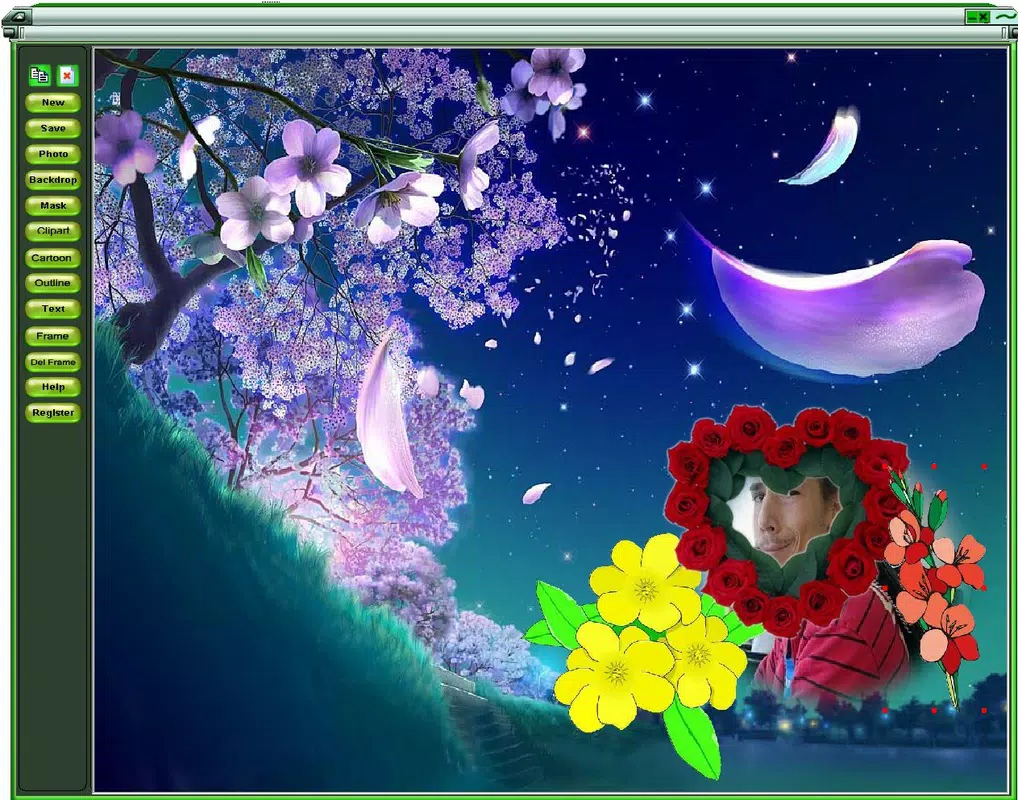
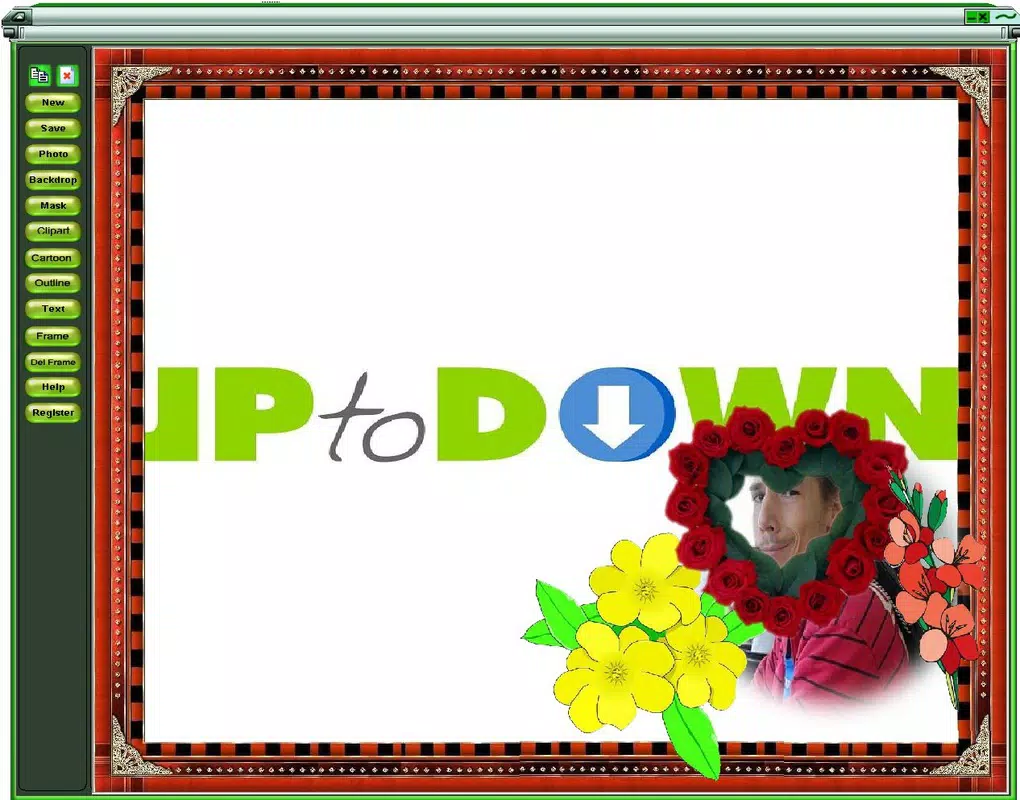
- Vast Resource Library: PhotoScenery includes over a hundred cliparts and more than seventy unique frames. These assets are categorized for easy access, allowing users to quickly find and apply decorative elements that match their desired theme.
- Text and Balloons Fun: The app supports adding custom text and playful speech balloons to images. This feature enhances storytelling and adds a whimsical tone, ideal for humorous or expressive designs.
- User-Friendly Interface: Navigation is intuitive, with clearly labeled tools and a minimalist layout. Even users with no prior design experience can begin creating within minutes.
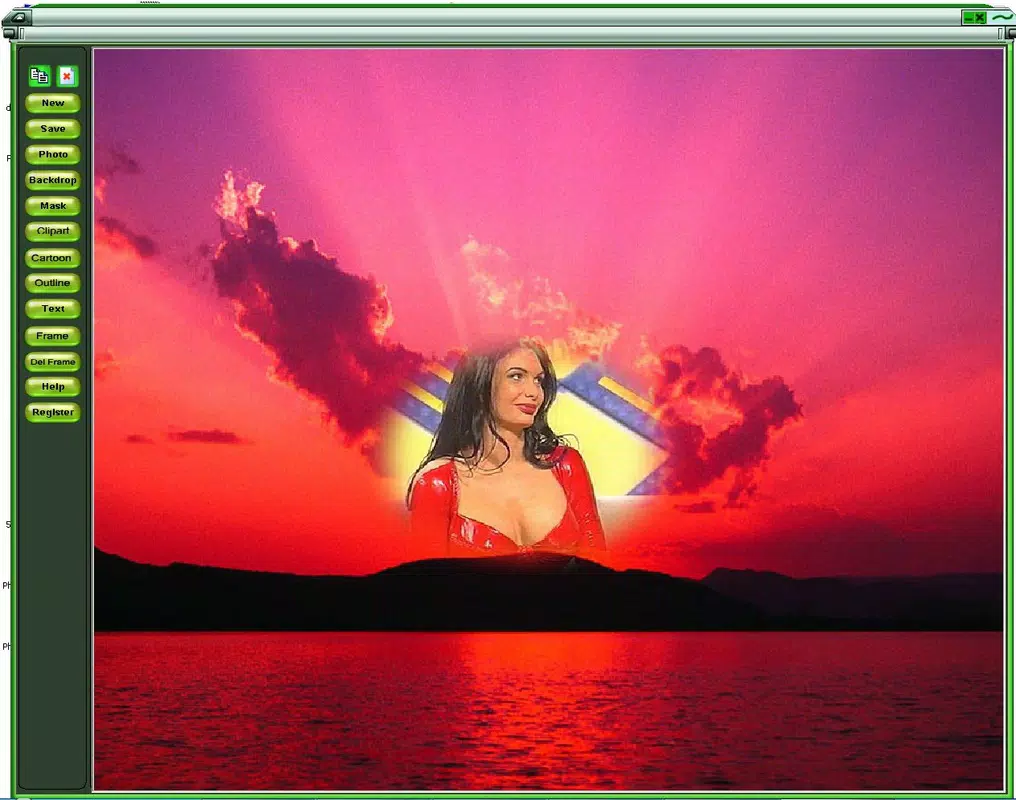
- Customizable Backgrounds: A range of background options—ranging from serene landscapes to bold patterns—lets users set the mood and tone for their final design. Backgrounds can be selected independently or combined with other elements.
For example, a user might combine a portrait with a scenic backdrop, apply a cartoon frame, and add a balloon with “Happy Birthday!” to create a personalized digital greeting. The combination of tools ensures that each output feels unique and tailored to the user’s vision.
Interface, UX & Performance
PhotoScenery features a clean, minimalist interface that prioritizes ease of access over visual complexity. The layout is organized around a central canvas, with toolbars positioned at the bottom for quick selection of functions like photo import, frame application, and text input. Visual feedback is immediate, with changes applied in real time as users manipulate elements.
Navigating between tools is smooth, and the app maintains consistent layout behavior across different screen sizes. Although the developer did not list formal performance metrics, the app’s 10.3 MB file size suggests it is optimized for low-resource devices. The interface remains responsive during common operations such as resizing, rotating, and layering images.
Stability appears reliable based on the app’s long-standing availability. Users can expect consistent behavior during editing sessions, with no reported crashes or freezes in public usage. The app performs well on a variety of Android devices, though specific requirements were not disclosed.
Platform Compatibility & Technical Requirements
PhotoScenery is available exclusively on the Android platform. It runs on Android devices with a software version of 1.2.1, though the minimum OS requirement was not specified by the developer. The app’s file size is 10.3 MB, indicating a lightweight footprint suitable for older or entry-level smartphones.
Users should ensure their device meets basic Android system standards to run the app. Compatibility information was not fully disclosed, so it is recommended to verify functionality on individual devices. No additional hardware or permissions were mentioned in the provided details.
Pros and Cons
Pros
- Simple, intuitive interface ideal for beginners and casual users.
- Lightweight design with a small file size (10.3 MB).
- Free to download and use with no in-app purchases.
- Offers a wide selection of frames, cliparts, and backgrounds.
- Enables creative expression through text, balloons, and image blending.
Cons
- Developer did not provide detailed system requirements or compatibility specs.
- Limited information on update frequency or future development plans.
- No cloud storage or export customization options were mentioned.
- App has not been updated since 2010, which may raise concerns about modern security standards.
- Platform availability is restricted to Android only.
FAQ
Is PhotoScenery safe to download and install?
Yes, the app is available through official Android channels and is free of known malware. However, users should ensure they download from trusted sources to maintain device security.
Can I use PhotoScenery on iOS devices?
Currently, the app is only available on Android. There is no official iOS version listed in the provided information.
Does PhotoScenery require internet access?
Based on the available details, the app functions offline. No internet connectivity is required for core editing features.
How often is PhotoScenery updated?
The last update was released in 2010. The developer did not provide information on future updates or maintenance schedules.
Can I export my designs to share on social media?
While export functionality is not explicitly detailed, the app likely supports saving images to the device’s gallery, which can then be shared via social platforms.
Final Thoughts + CTA
PhotoScenery stands out as a dedicated, lightweight solution for users seeking a simple yet effective way to create custom wallpapers and photo collages. Despite its age, the app remains functional and relevant for those who value straightforward design tools without unnecessary complexity. Its free model, extensive library of decorative assets, and intuitive interface make it a valuable smartphone utility for creative expression.
While the lack of recent updates may raise concerns about compatibility with newer Android versions, the app’s enduring presence suggests it continues to meet basic user needs. It is particularly well-suited for individuals who want to personalize their devices quickly and enjoyably.
For anyone looking to explore mobile design with minimal effort, PhotoScenery delivers real value. Download PhotoScenery now and start crafting your unique digital masterpieces today.


